Tuesday, October 20, 2026 · Horton IT Enterprises LLC
A familiar sender name can make an unfamiliar request feel safe. Before opening a surprise attachment or acting on an urgent message, pause and verify the request through a contact method you already trust. Today’s practical goal: make verification a normal step, not an emergency exception.
Security focus: verify the request, not just the display name
Phishing messages can imitate trusted people and organizations. CISA’s guidance highlights misleading sender addresses, alarming language and unexpected offers as warning signs. A suspicious message is not evidence that the real person sent it.
- Do not open an unexpected attachment or use the message’s sign-in link.
- Open the service through your own bookmark or known address. For a work request, contact the person through an established channel.
- Report suspicious work messages using your organization’s approved process. Do not forward confidential attachments to an unapproved service.
Source: CISA, Secure Our World guidance. This is a practical security reminder, not a claim that a new incident occurred today.
Today’s five-minute IT lesson
Pick one routine business request, such as a file share or an invoice. Write down who normally sends it, where it normally arrives and how you would verify an unexpected change. Keep that checklist somewhere staff can find without opening the suspicious message. Never include passwords or recovery codes in it.
October guide: Windows 10 to Windows 11 without starting over
- Check eligibility with Microsoft’s PC Health Check or Windows Update. Confirm that essential apps and peripherals support Windows 11.
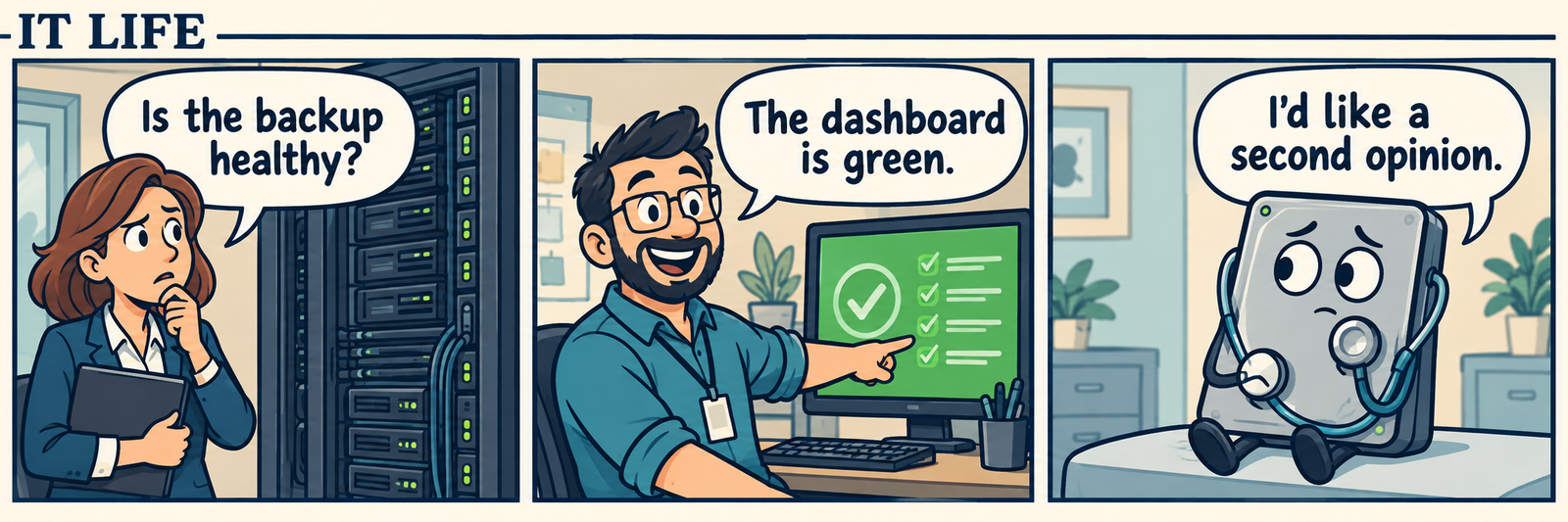
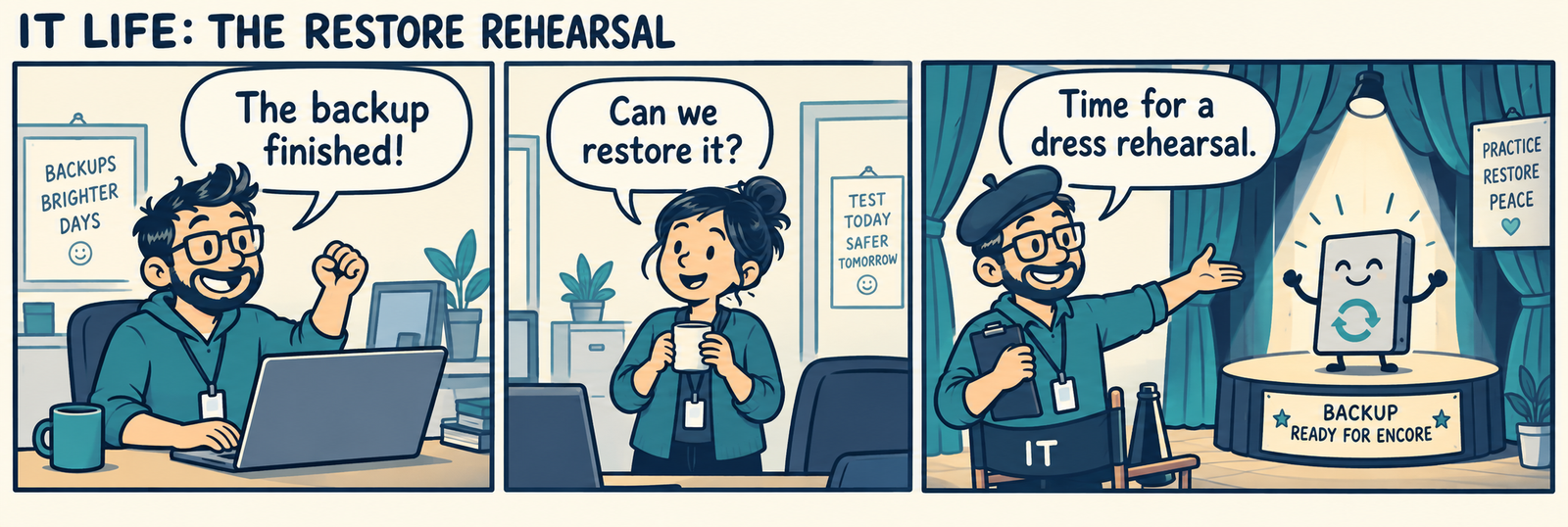
- Back up important files and verify that you can open a sample backup before upgrading. Retain the recovery information you need securely.
- Prefer the Windows 11 upgrade offered in Windows Update. Plan power, network access and time for restarts.
- If using Microsoft’s supported in-place installation method, review the final screen and select Keep personal files and apps. Stop if that option is unavailable or the screen says your data will be removed.
- Do not boot from installation media for this keep-your-files workflow: that is a fresh-install path that can erase files and apps. After upgrading, check files, key apps, printers and updates.
No upgrade method is a promise of zero data loss. Microsoft’s installation guidance and system requirements explain the supported choices.
This day in computing
On October 20, 2004, the first Ubuntu Linux distribution was released, according to the Computer History Museum. It is a useful reminder that making software approachable is part of engineering, not an afterthought.
Computer History Museum: October 20 entry. Learning exercise: compare two applications’ first-run instructions. Which one explains the next safe step more clearly?
Open SAM.gov Cybersecurity & IT Contracts
Lead for further review, not a bid-ready recommendation: U.S. Army INSCOM’s Scalable GEOINT Architecture IT support solicitation W50NH9-27-R-A006 (notice W50NH927RA006) appears as Active in the public SAM.gov record reviewed October 20, 2026. The record lists proposals due November 13, 2026 at noon EST, NAICS 541519 and PSC DA01. Its displayed history shows the October 14 original solicitation.
Read the SAM.gov opportunity and linked PIEE solicitation. The set-aside field is blank. Eligibility, the complete solicitation package and any subsequent PIEE amendments have not been confirmed here. Verify those requirements and the current deadline before deciding to bid. The October 2027 inactive date is not the response deadline.
Original IT comic: “The familiar sender”
Panel 1: At a desk, a teammate reads a message. “It says it’s from the boss. And it says hurry!”
Panel 2: An IT colleague points to the phone. “Let’s use the number we already have.”
Panel 3: The real boss answers: “I didn’t send an attachment.” The teammate closes the message.
Panel 4: The IT colleague smiles. “Good. Urgent doesn’t get to skip verification.”
Original fictional text comic by Horton IT Enterprises. No real incident or person is depicted.
Cyber Chuckles
1. My password manager asked me to be more original. I told it that was its job.
2. The suspicious email said, “Act now!” My coffee said, “Read twice.” Coffee won.
Daily horoscope: Capricorn
October 20, 2026 · Entertainment only. CHANI’s Capricorn reading focuses on appreciating deeper friendships and reflecting on meaningful conversations. A lighthearted prompt for today: thank someone who makes honest conversation easier. Read CHANI’s dated horoscope. Astrology is not technical, financial or medical guidance.
Build a clearer next step
Explore Horton IT Enterprises’ IT and website services. Our MDR research pilot and CBRN/TRIAGE-X research pilot use fictional demonstrations for exploration and feedback. They require human review, are not clinically validated and are not for patient-care use.
Prepared October 20, 2026. Public-source references are linked beside the relevant items. Procurement details can change; the controlling solicitation and amendments take precedence.